
Download the official gv66 app and enjoy Live Casino, bingo, and fish games anytime, anywhere. Bangla interface, fast loading, and direct Mobile Banking-Nagad integration.
The gv66 app is available on all three platforms: Android, iOS, and desktop. Choose the one that suits your device.
Works on all Android devices including Samsung, Xiaomi, Oppo, and Vivo. Download the APK directly — no Play Store needed.
The gv66 app runs perfectly on iPhone and iPad. Compatible with any device running iOS 13 or above.
On Windows or Mac, simply open gv66.onl in your browser — no separate software download required.
Install the gv66 APK in just a few steps — takes less than a minute.
Click the "Android Download" button on this page. The APK file will begin downloading automatically.
Go to Settings → Security → enable "Unknown Sources" or "Install Unknown Apps".
Open the gv66.apk file from your Downloads folder and tap the "Install" button.
Open the app, log in to your account, and start enjoying your favorite games.
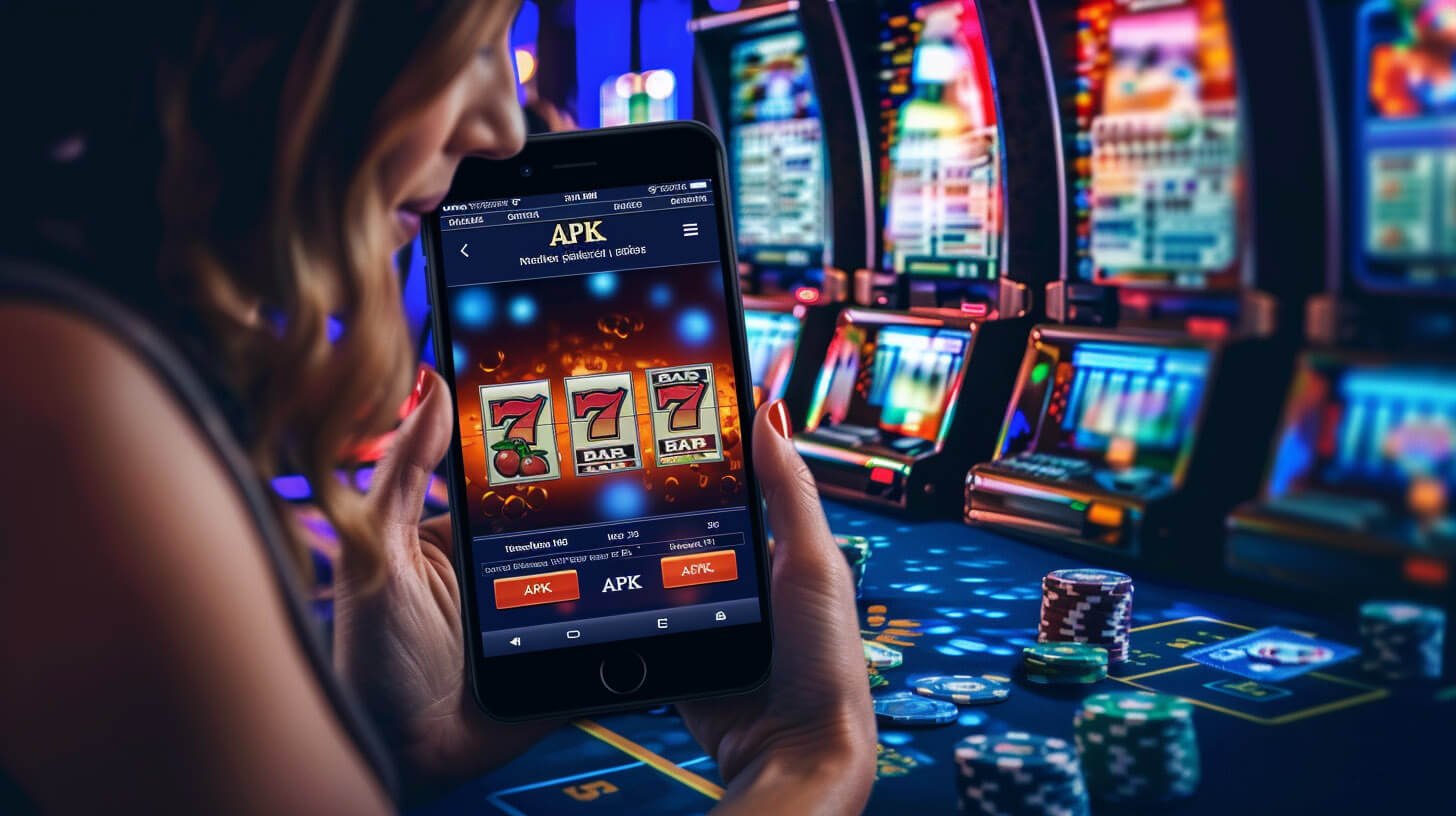
Online gaming is growing fast in Bangladesh, with mobile gaming leading the surge. With that in mind, gv66 has built a lightweight, fast, Bangla-language app designed to perform well in Bangladesh's internet conditions.
One of the biggest advantages of the gv66 app is that it uses significantly less data than a browser. Live Casino, bingo, and fish games all run smoothly even on a slow network. When mobile data is low, web browsers often struggle to load images or stall mid-game — the app avoids this because core game assets are cached after the first load.
Beyond gaming, depositing and withdrawing on the gv66 app is seamless. You can pay directly through Mobile Banking, Nagad, or Rocket without switching to a separate browser tab or another app — saving you time and hassle.
To install gv66 on an iPhone or iPad, go to the app page and follow the iOS download link. You can install via TestFlight or directly as a web clip. Once installed, the app appears on your home screen and works just like any other app.
IOS has slightly different security steps — after installing the app on an Apple device, you may need to go to Settings → General → VPN & Device Management to trust the developer. This is straightforward and is a standard iOS security step. The gv66 app install guide walks you through it in detail.
Many users wonder whether they even need to download the app or if just using a browser is enough. The answer is that gv66 works fully in a browser too — but the app offers a few extra benefits you won't get in a browser.
App users receive push notifications before games begin, get bonus offers first, and receive tournament reminders. Login sessions also stay active much longer in the app, so there is no need to re-enter your password repeatedly. For the best gaming experience, downloading the app is the way to go.
The gv66 app is completely safe to download. It uses SSL encryption to keep your personal and payment information secure. The app only requests permissions necessary for gameplay and payments — nothing more.
Never download the gv66 app from unofficial third-party sources. Always download from the official page at gv66.onl — this ensures you get the latest, secure version.
Get instant updates on bonuses, tournaments, and special offers delivered straight to your phone. Never miss an opportunity.
Game graphics are cached after the first load, so they never re-download — games launch instantly every time.
Switch on dark mode in the gv66 app for a more comfortable viewing experience at night — and get more out of your battery too.
Log in within seconds using fingerprint or face unlock — no password typing needed.
Track live win/loss stats, check your balance, and make decisions — all without leaving the game.
Reach Bangla customer support directly from within the app — available 24/7.
If you run into any issues during download or installation, our 24/7 Bangla support team is ready to help.
View FAQ
See a quick side-by-side comparison of the gv66 app versus the mobile browser.
| Features | gv66 App | Mobile Browser |
|---|---|---|
| Loading Speed | Extremely Fast | Medium |
| Data Usage | Low (Cached) | High |
| Push Notifications | Yes | No |
| Biometric Login | Yes | No |
| Offline Access | Partial | No |
| Screen Optimization | Fully Optimized | Limited |
| In-App Payment | Live | Redirect |
| Dark Mode | Yes | No |
Before installing the gv66 app, make sure your device meets the following requirements.

The most frequently asked questions about downloading the gv66 app.